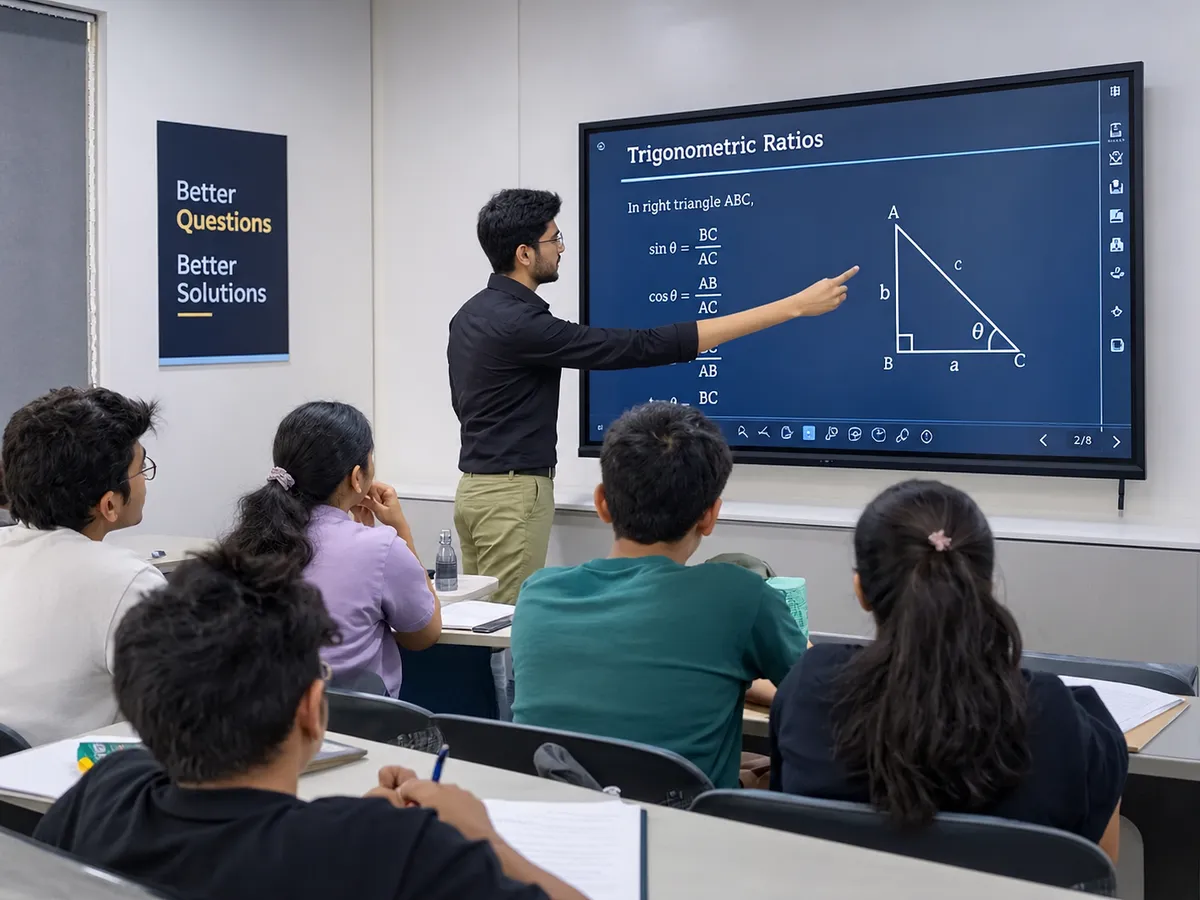
Smart Board for Coaching Classes: ROI, Price & Setup
A smart board for a coaching class starts at about ₹90,000 + GST for an entry-level 65-inch interactive flat panel (IFP), with mainstream 65-inch models at roughly ₹1.2 - 1.4 lakh and 75-inch models around ₹1.3 - 1.5 lakh in 2026. For most tuition centres the panel earns its cost back within about a year, not through fancier teaching, but through retained students, a recorded-lecture library and the ability to sell hybrid seats.
This is the honest buyer's case: what it really costs, the payback maths with the assumptions spelled out, and which features matter in a coaching room as opposed to a corporate demo.
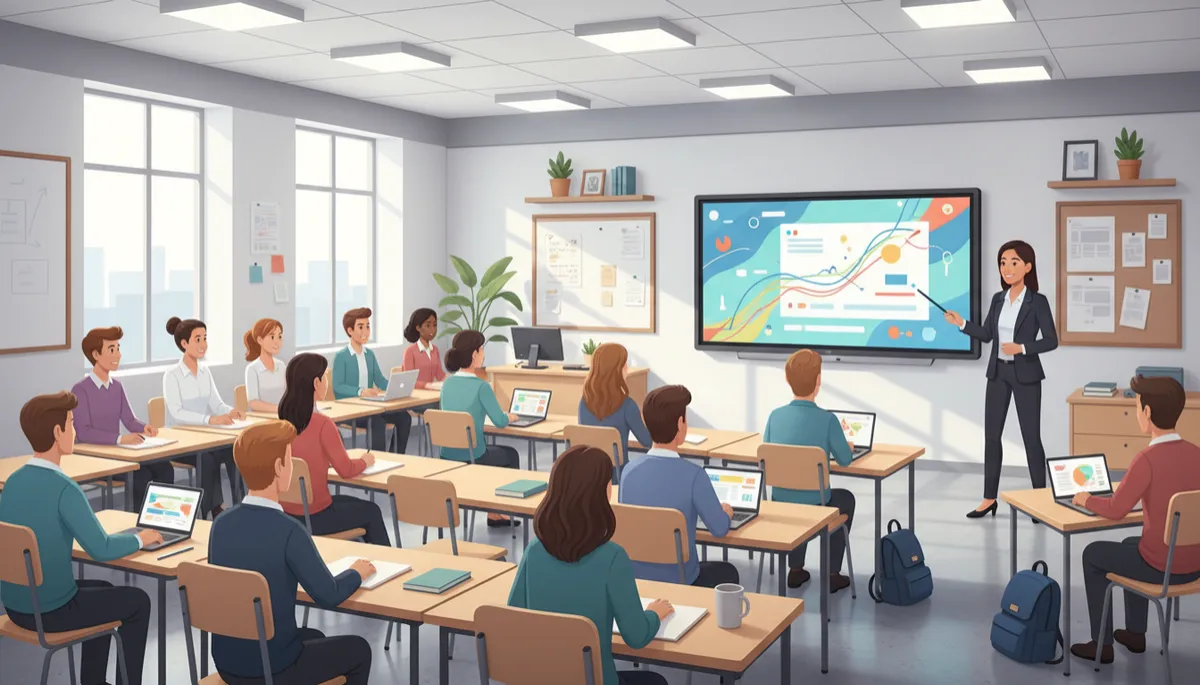
What a smart board replaces in a coaching room
An IFP is not "a whiteboard plus a gadget", it consolidates four things coaching owners currently pay for separately:
Whiteboard and markers: the panel is the board, infinite pages, nothing gets erased before students finish copying.
Projector, screen and lamp replacements: no lamp, no calibration, no washed-out image in daylight, and no shadow when the teacher stands in front.
A separate recording rig: screen and audio recording is built in, so every lecture can become content.
Printed notes: board work saves as PDF and goes straight to the batch WhatsApp group.
Smart board price for a coaching class (2026)
The panel itself
Entry 65-inch: from ₹90,000 + GST; a real working price for a branded entry panel, not a teaser.
Mainstream 65-inch: ₹1.2 - 1.4 lakh; better touch, brighter screens, stronger warranty terms.
75-inch: ₹1.3 - 1.5 lakh; the sensible size once batches cross about 30 students.
What to budget around it
UPS: around ₹5,500, non-negotiable; power cuts mid-lecture are the fastest way to stop using the panel.
Wall mount or mobile trolley: a few thousand rupees, trolley if you teach in more than one room.
AMC after the standard 3-year onsite warranty: ₹3,000–8,000 a year.
All figures are indicative — brand, size, touch technology and installation distance move the number. Treat any vendor quoting a single flat "smart board price" without asking about your room with suspicion.
The ROI maths for a tuition centre
Take a deliberately modest example, adjust the numbers to your own centre:
Assumptions: 60 students paying ₹1,500 a month, panel + UPS + install ≈ ₹1.1 lakh all-in.
Retention: if clearer teaching and recorded backup classes help you keep just 3 students who would otherwise have drifted, that is ₹4,500 a month, the panel pays for itself in about 24 months on retention alone.
Recorded lectures: every class recorded once becomes revision material, absentee cover, and a sellable crash-course library at zero extra teaching time.
Hybrid seats: a camera and microphone alongside the panel lets you sell seats beyond your room's capacity, even 5 online students at ₹1,000 a month is ₹60,000 a year, which on its own recovers most of the panel cost.
Stack retention plus even a small hybrid batch and payback lands inside 10-14 months. The trap is buying the panel and using it as a plain display, the ROI lives in the recording and sharing habits, not the glass.
Features that actually matter for coaching
Screen + audio recording: the single highest-ROI feature, insist on seeing it demoed with your own mic.
Save and share as PDF: board notes to the batch group in one tap, students stop transcribing and start listening.
Multi-touch (20-point or better): two students solving side by side at the board works well in doubt-clearing sessions.
Anti-glare 4K panel, 350+ nits: legible from the last bench with the lights on, coaching rooms are rarely dark.
Android with decent RAM (8GB if possible): the panel runs your PDFs, YouTube and test portals without a laptop; an OPS slot keeps a Windows upgrade path open.
Screen share from phone: project a student's rough work instantly for discussion.
Which size for your batch
65-inch: up to roughly 25–30 students in a compact room.
75-inch: around 30–50 students, the safe default for serious coaching halls.
86-inch: large halls where the last row sits 25+ feet away; check doorway and stair access before ordering.
The honest test: put your smallest handwriting on screen and read it from the last bench during a demo. Size charts are a guide; your room is the truth. National Education Policy 2020 pushes technology-enabled learning across the system (NEP 2020, education.gov.in), and students coming out of smart classrooms in schools increasingly expect the same standard at their coaching centre, our guide to smart classrooms covers that shift.
Mistakes coaching owners make
Buying an unbranded panel with no local service: a dead panel mid-session costs more than the discount saved, check who actually services your city.
Skipping the UPS: ₹5,500 protects a ₹1-lakh asset and your class schedule.
Ignoring warranty terms: 3-year onsite is the standard; extensions to 5 years are worth pricing at purchase, not after a failure.
Never using the recorder: the most common waste we see, set a rule that every lecture is recorded from day one.
Oversizing the Android spec claims: 4GB/32GB panels feel slow within two years; spend the small premium on memory rather than size.
If you're comparing the full room build-out rather than just the board, see our component-wise smart classroom setup cost breakdown and the smart classroom equipment checklist, the same logic applies to a coaching room, minus the school-scale networking.
Frequently asked questions
How much does a smart board cost for a coaching class?
Entry-level branded 65-inch interactive flat panels start around ₹85,000 + GST, with mainstream 65-inch models at ₹1.2-1.4 lakh and 75-inch models at roughly ₹1.3-1.5 lakh in 2026. Budget another ₹5,500 or so for a UPS and a few thousand for mounting. All figures are indicative; brand, touch technology and installation affect the final quote.
Which size smart board is best for a tuition centre?
Match the screen to the room, not the brochure: 65-inch suits compact rooms up to roughly 25–30 students, 75-inch covers most coaching halls of 30–50, and 86-inch is for large halls where the back row sits far from the board. The reliable test is reading small on-screen handwriting from the last bench during a live demo.
Can I record my lectures directly on a smart board?
Yes. Most current panels record the screen and room audio natively or through a bundled app, saving to internal storage, USB or cloud. That single feature builds a revision library, covers absentees, and gives you sellable recorded courses without any extra teaching hours, pair the panel with a decent external microphone for clean audio.
Do smart boards support hybrid online plus offline batches?
Yes. The panel joins Zoom, Google Meet or your own app like any computer, sharing the live annotated screen with online students while you teach the room. Add a camera and microphone and you can sell seats beyond your physical capacity, many centres run weekend online batches on exactly this setup.
How long does an interactive flat panel last?
Panel backlights are rated for roughly 30,000–50,000 hours, which at typical coaching usage of 6–8 hours a day works out to 10 years or more. The standard warranty is 3 years onsite, with paid extensions to 5 years available from most brands, and AMC after that typically costs ₹3,000–8,000 a year.
Is a projector cheaper than a smart board for coaching?
Upfront, yes but projectors need lamp replacements, wash out in daylight, cast shadows while you write, and record nothing. Over five years, lamp costs and the missing recording and sharing features usually make the panel the cheaper and more useful buy for a coaching room that runs classes all day.
See one running before you buy
AVM Infotech supplies and installs interactive flat panels for schools and coaching classes with honest pricing and local after-sales service. Visit avminfo.in to request a demo or a call-back bring your room dimensions and batch sizes, and we'll tell you what not to buy as readily as what to buy.

